Scan to Email Is About to Break on Every Copier Still Using Basic Auth
Google already switched off the old sign-in method your copier uses. Microsoft disables it by default at the end of December 2026. What breaks, and the four ways out.
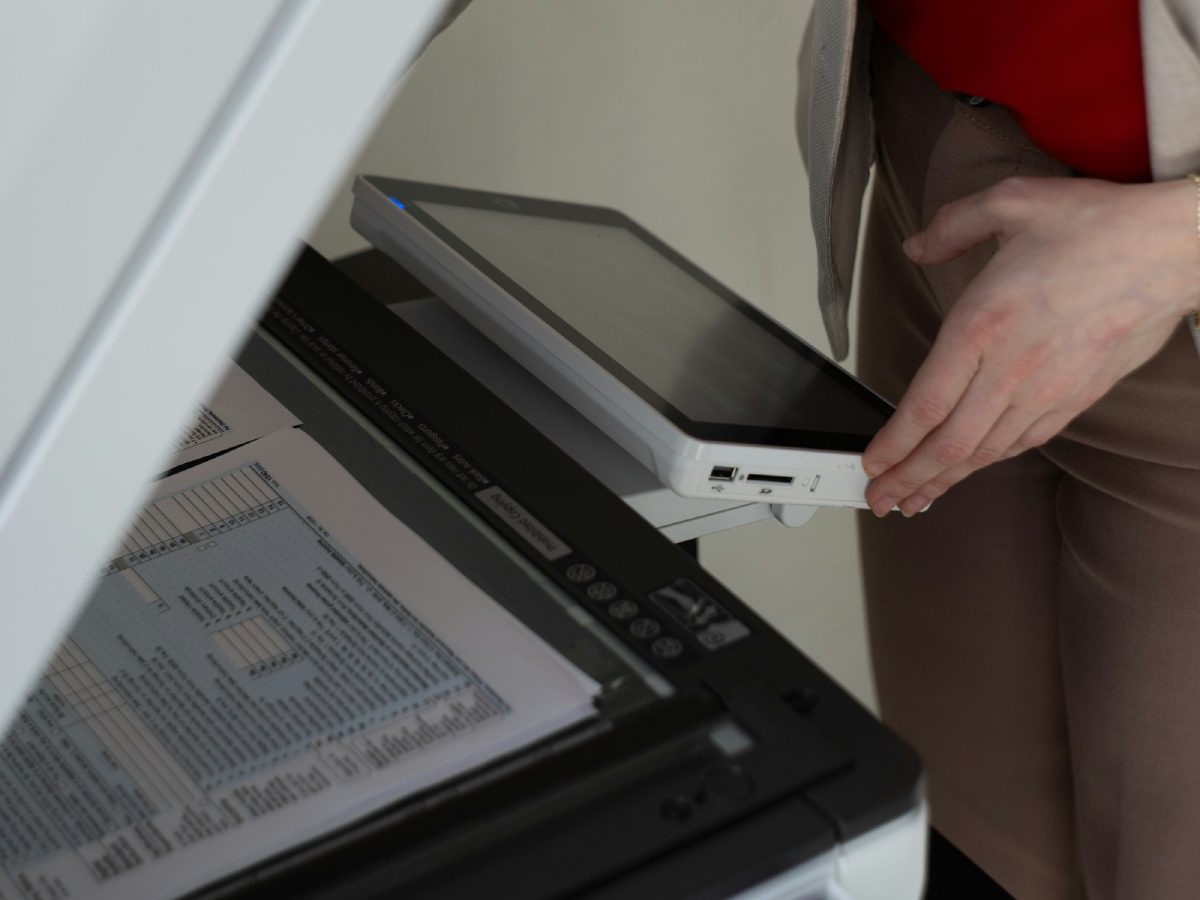
There is a deadline coming that will land on a specific, unglamorous piece of office equipment: the copier in the corner that emails scans to people.
Most of those devices sign in to your mail system using a method called basic authentication — a username and a password, sent the old way, with no second factor and no token. It is the method every multifunction printer sold in the last fifteen years knows how to use, and it is being switched off across the industry.
Google already finished. Microsoft is next, and the date is in five months.
Where each platform stands
Google Workspace. Less secure app access was turned off for Workspace accounts on 30 September 2024 and fully phased out by 1 May 2025 (Google Workspace Updates). If you are on Google and your scan to email still works, it is because someone already moved it to OAuth or an app password — knowingly or not.
Microsoft 365. This one has moved repeatedly, which is why plenty of people believe it already happened. It has not. The current timeline: at the end of December 2026 Microsoft disables basic authentication for SMTP AUTH by default, with tenant administrators still able to reverse the block temporarily. New tenants created from January 2027 cannot use it at all. A final removal date, after which no reprieve exists, is to be announced in the second half of 2027 (Office 365 for IT Pros).
So on Microsoft the honest position today is: you have about five months before it stops working by default, and roughly a year after that before the escape hatch closes.
What it looks like when it breaks
It does not announce itself. The copier’s panel says something unhelpful — authentication failed, cannot connect to server, or nothing at all while the job silently vanishes. Nobody associates it with a change at Microsoft, because nothing changed in the office.
The characteristic tell is that everything else about the device still works. It prints. It copies. Staff can scan to a USB stick. Only the email path is dead. That combination points at authentication almost every time.
The second tell is timing: it stops for everyone at once, on a date, without anyone touching the machine.
The four ways out
In rough order of how good the outcome is.
1. Update the device firmware so it speaks OAuth. The clean answer. The device authenticates the modern way and nothing else changes. The catch is that this depends entirely on your manufacturer having published an update for your specific model, and vendor cooperation here has been uneven — plenty of devices still in daily service will never get one.
2. Send through a relay on your own network. A small SMTP relay accepts the old method from the copier on your LAN and forwards to Microsoft or Google correctly. The device never learns anything new. This is the most common fix we deploy for offices with equipment that cannot be updated, and it has a useful side effect: every device that emails — copiers, scanners, alarm panels, the backup software — goes through one place you control.
3. Use a dedicated sending service. Route the device’s mail through a third-party SMTP provider rather than your mail tenant. Costs a little, works reliably, and keeps device traffic out of your main mail system entirely.
4. Stop scanning to email. Scan to a SharePoint folder or a network share instead. This sidesteps the whole problem and is often better for the people who have to find the document six months later. It needs permissions thought through, which is why it is a project rather than a switch.
What we would check first
Three questions decide which of the four applies, and you can answer all three this week.
Which mail platform are you on? Google means you are already past it and any remaining problem is something else. Microsoft means you have a date.
What model is the copier and what firmware is on it? The model number and firmware version are on the panel or the configuration page. That determines whether option one is even available.
What account is it signing in as? A distressing number of devices we find are authenticating as a real person — often someone who left. That is a problem on its own, separately from the deadline, and it is the reason scan to email sometimes dies when an employee is offboarded rather than when Microsoft changes anything.
Why this is worth doing before December
Not because the fix is hard. Because the fix may involve a vendor.
If your device needs a firmware update, you are waiting on a manufacturer’s release schedule. If it will never get one, you need to choose and deploy a relay or a sending service. Neither is a large job, and both are far more pleasant in September than in the week between Christmas and New Year when the scans stop and half the office is away.
If your copier emails scans and you are on Microsoft 365, text us with the model number and we will tell you which of the four routes yours needs.
Sources
- Google Workspace Updates — Winding down Google Sync and less secure app support
- Office 365 for IT Pros — SMTP AUTH client submission retirement delayed
- Microsoft Exchange Team — Updated Exchange Online SMTP AUTH basic authentication deprecation timeline
Frequently asked questions
- Our scan to email still works. Why should we care now?
- Because on Microsoft 365 the change has not reached you yet. Basic authentication for SMTP AUTH gets disabled by default at the end of December 2026, and the reason to act now rather than in December is that the fix for a copier often depends on a firmware update the manufacturer has to publish. If yours has not published one, you need the time to arrange an alternative.
- Can we just create an app password?
- On Google Workspace, often yes, and it is the quickest route for a device that cannot do OAuth. On Microsoft 365 app passwords are tied to legacy authentication and are not the strategic answer — they solve today and reappear as a problem later. Either way an app password should belong to a dedicated account for the device, never to a person.
- The copier vendor says our model cannot be updated. Now what?
- That is common and it does not mean buying a copier. The usual answer is to stop having the device authenticate to Microsoft or Google at all: point it at a relay that accepts the old method on your own network and forwards properly, or send through a dedicated sending service. Both are far cheaper than replacing hardware that otherwise works.
- Is scan to folder a safer bet than scan to email?
- For some offices, yes, and it is worth considering while you are in here anyway. Scanning to a folder in SharePoint or a network share avoids the mail authentication problem entirely and is usually easier for staff to find things in later. It brings its own permissions work, which is why it is a decision rather than an obvious upgrade.